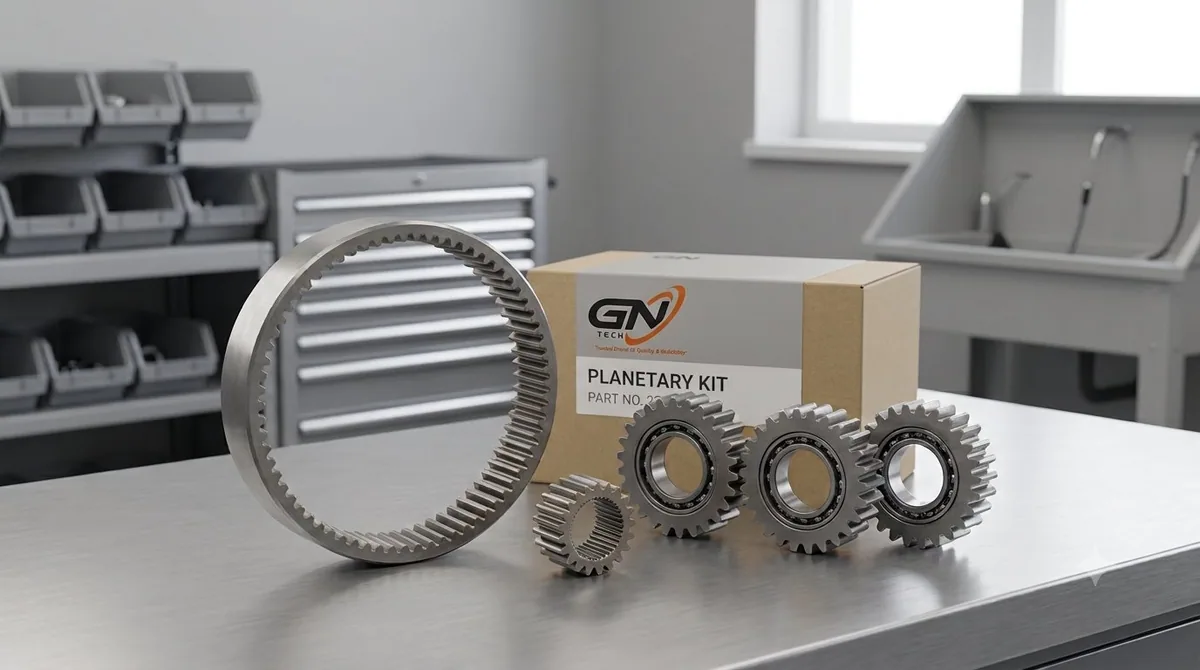
CATALOGUE PHOTOS
Parts shown clearly
The short answer
Never order a component only because it is advertised as a “3DX/4DX part”. Start with the machine serial number or PIN and compare the exact old-part number. JCB product information also shows that current 3DX and 4DX machines have defined configurations and variants; those names are only the beginning of identification.
Compatibility checklist
| Check | Why it matters |
|---|---|
| Machine model and variant | Separates 3DX, 3DX Plus, 3DX Super, 4DX and other configurations. |
| Serial number or PIN | Identifies build information and production changes. |
| Old-part number | Provides the strongest replacement reference when readable. |
| System specification | Engine, axle, transmission and hydraulic arrangements can differ. |
| Photos and dimensions | Help distinguish visually similar components and connections. |
Examples by part category
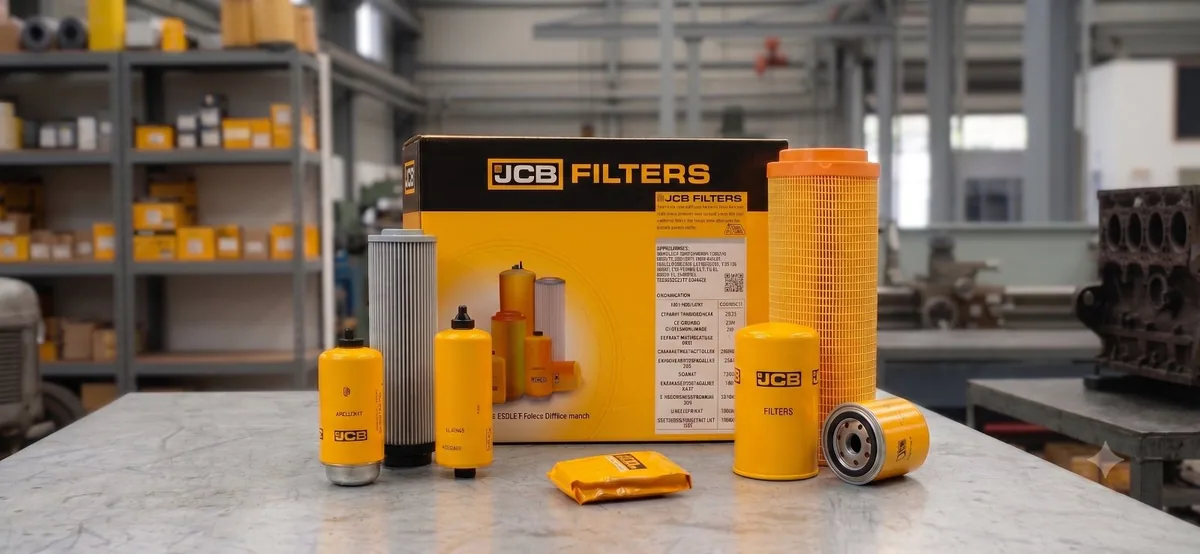
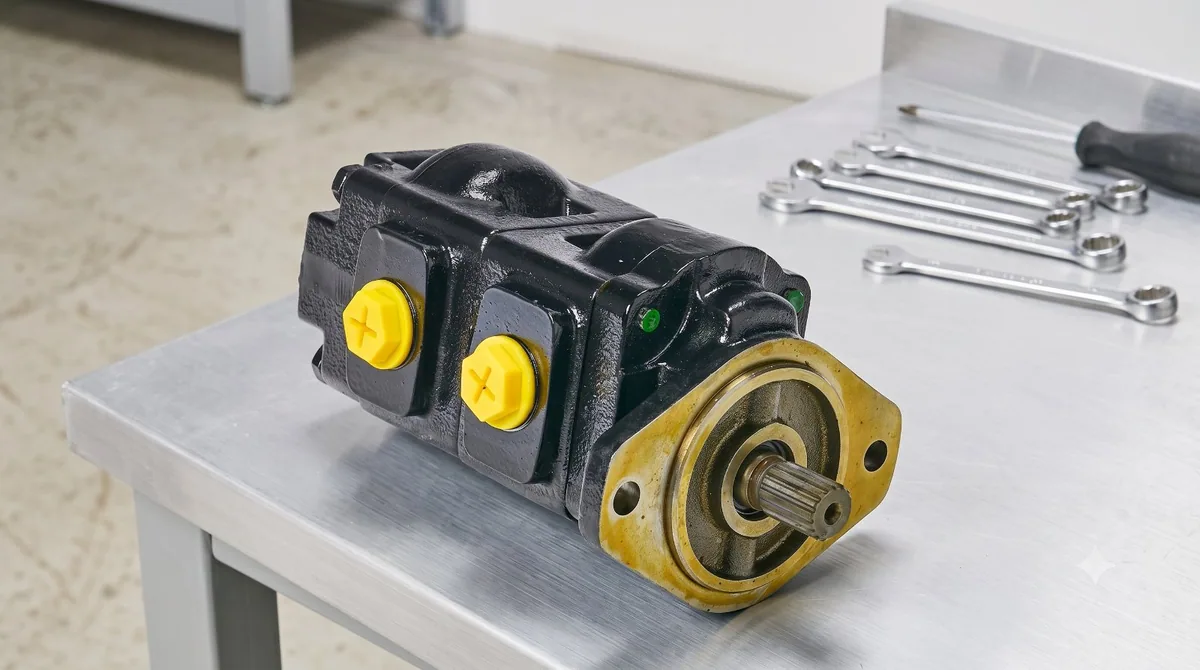
Filter kits should be checked against the service requirement and serial or PIN. Hydraulic pumps require the pump identification, shaft and port arrangement. Axle and transmission parts require the relevant assembly details. Electrical parts may depend on connector and system changes. Bucket, bush and pin dimensions should be confirmed rather than inferred from the machine name.
A faster way to request the right part
Photograph the machine plate, the complete old component and every visible number before contacting the supplier. Put those photos in one WhatsApp message with the machine model and required quantity. This reduces back-and-forth and gives the parts counter a usable fitment trail.